Run your nut and hazelnut exports from harvest to shipment on one platform
In nuts and hazelnuts the work compresses into a few harvest months: batches arrive back to back, every batch needs its own analysis report tracked, prices are revised several times a season and stock spreads across regional warehouses. Spreadsheets and scattered folders cannot keep up with that pace. Sighthem brings lot-based stock, FEFO, multi-warehouse, proforma revision history and export document tracking onto one platform. It is built for the exporter selling from the Black Sea to the world.
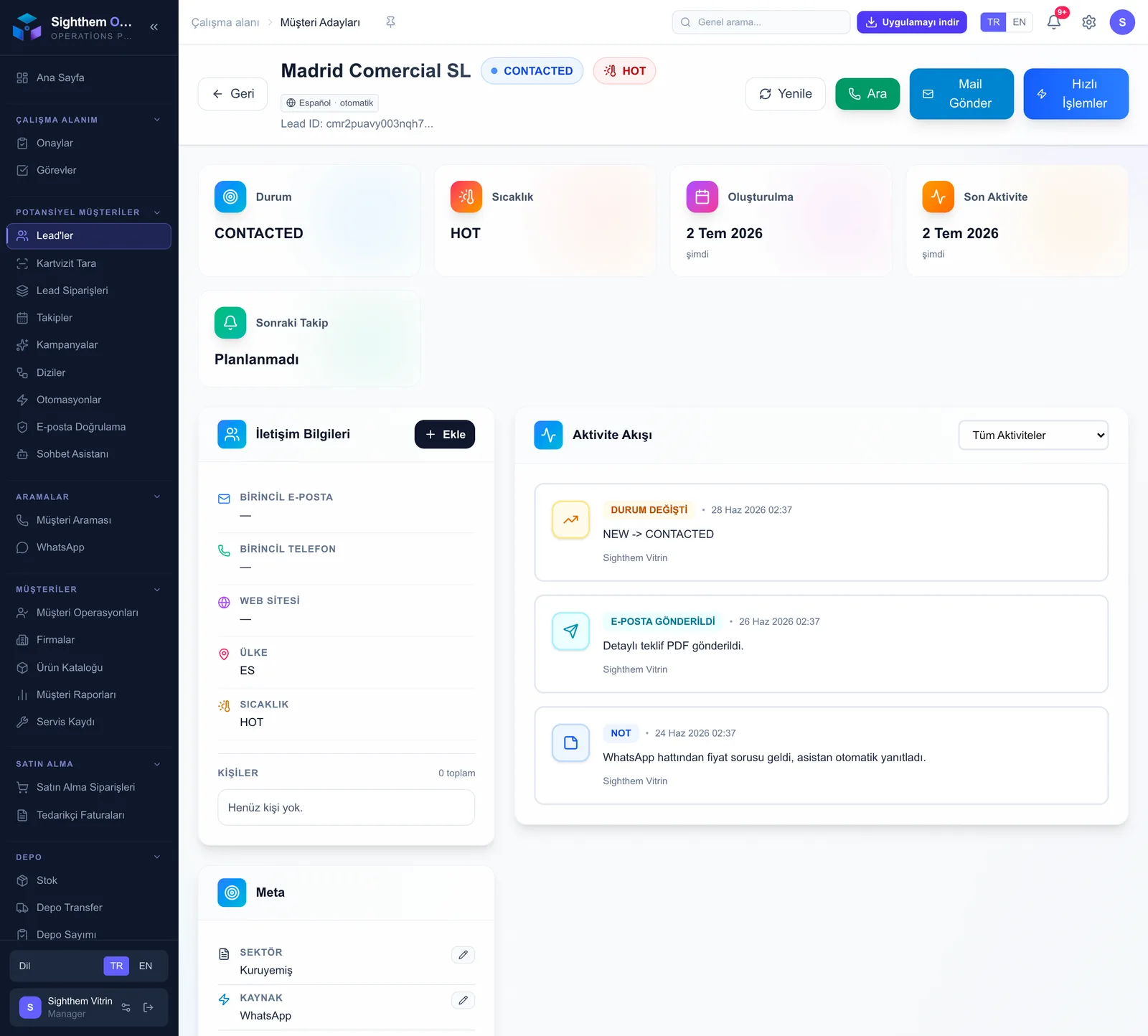
Find nut buyers systematically: importers, roasters, food producers
For an exporter selling from the Black Sea, new buyers often come only from fairs and personal networks. Sighthem turns the search for buyers in a target market into systematic discovery.
- Discover nut importers, roasting plants and food manufacturers in your target market; confirm the purchasing decision-maker's email with the discovery and verification service, so you never write to a dead address
- Segment buyers by country, product (natural kernels, roasted, chopped) and sector; run a separate email sequence per segment and track opens and clicks
- Scan the business cards you collect at food fairs with OCR from the mobile app; every card becomes a lead automatically, so your post-fair follow-up list is ready
- Keep sample and price conversations on the customer card through the official WhatsApp API or the QR pairing mode; call the buyer with live translation to get past the language barrier
Seasonal pricing: every proforma revision on record
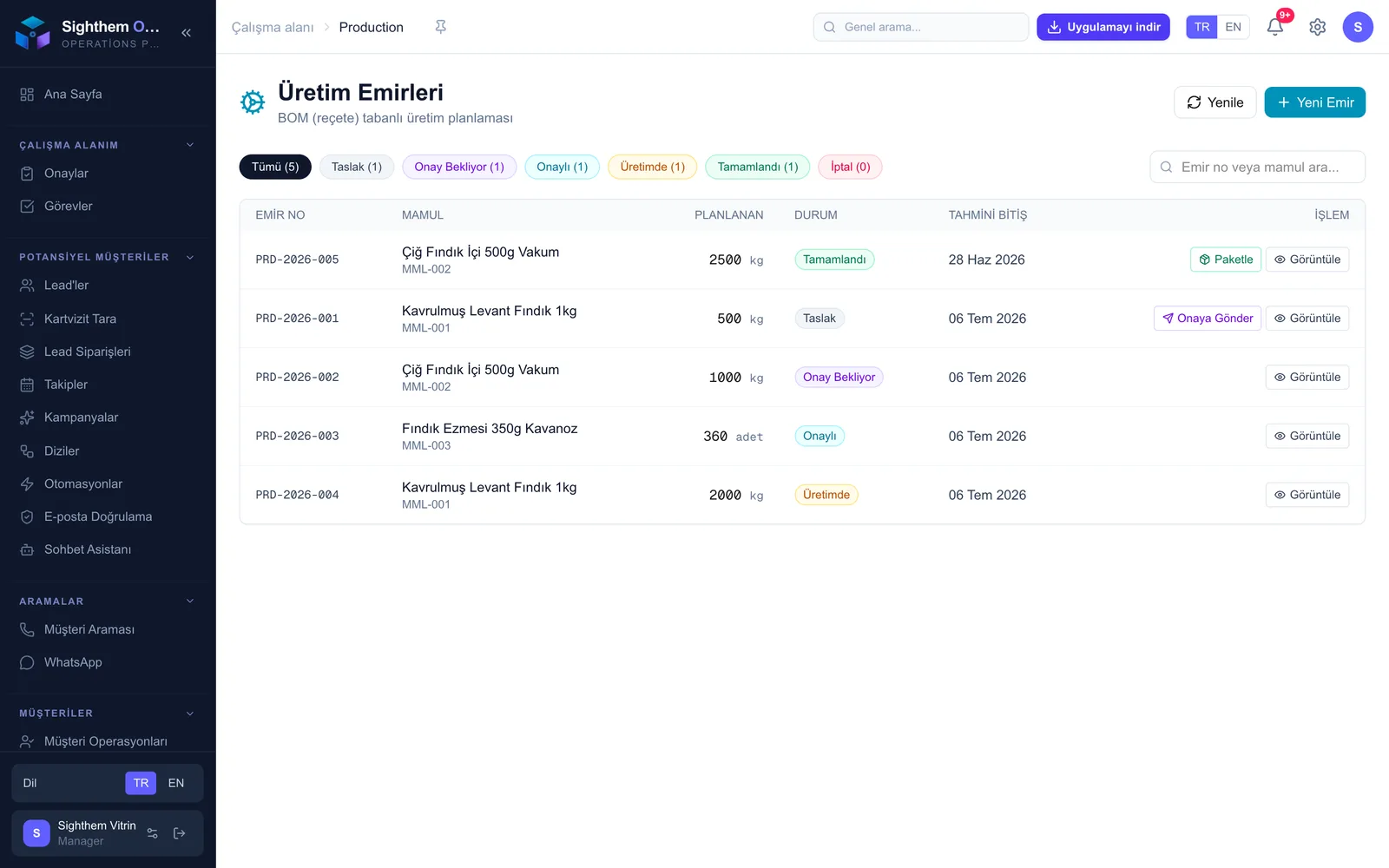
Nut and hazelnut prices move with the crop and the market during the season. When you quote the same buyer more than once, the question is always the same: which price was valid when. Sighthem answers it from the record.
- Turn a quote into a proforma and the approved proforma into an order in a single flow; quantity, quality grade and price carry over without copy-paste
- When you revise a price mid-season, issue a new version of the proforma; the revision history shows which buyer was quoted which price on which date
- Set the Incoterm and currency at document level; FOB, CFR or DAP terms and the currency details flow automatically into the documents that follow
- Capture buyer approval through the system; stock is reserved lot by lot against the approved order, so the same batch is never promised to two buyers
Lot-level traceability: the aflatoxin certificate stays with its batch
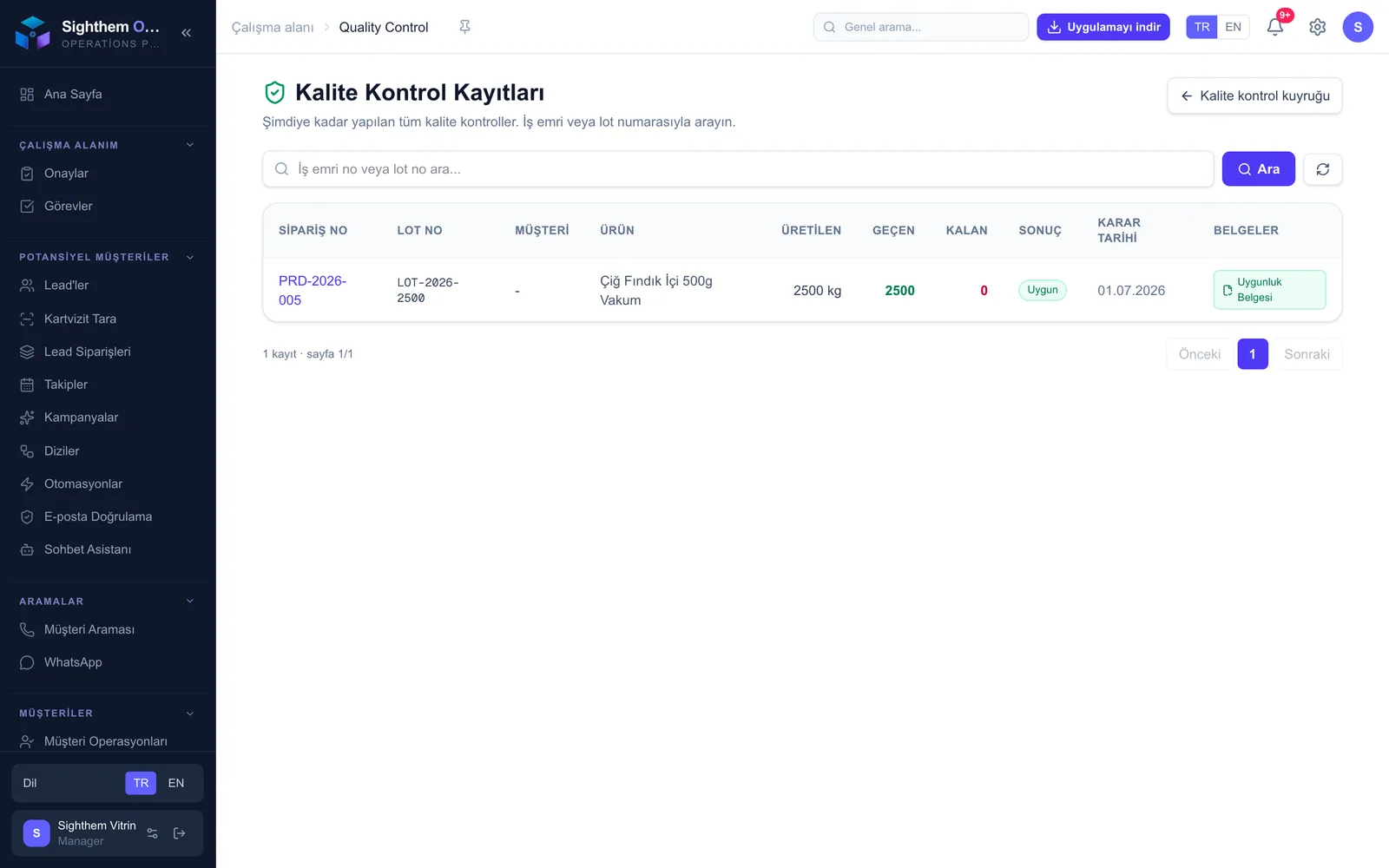
In nut and hazelnut exports, both the buyer and customs ask for the analysis report per batch. Sighthem keeps every quality document attached to the lot it belongs to.
- Record every purchased batch as its own lot, with origin region, harvest year and quality grade held on the lot
- Attach the aflatoxin analysis report and other quality certificates to the exact lot; which report belongs to which batch is never a shipment-day question
- Log incoming goods quality control (QC); the conformity certificate or non-conformity report is stored in the lot history
- When a buyer or auditor asks, report the shipped lot's analysis and QC records in minutes; in a recall scenario, show which lot went to which buyer
Harvest-season stock: regional warehouses, FEFO and shelf life on one screen
During harvest months, stock builds up fast and spreads across regional warehouses. Sighthem keeps each warehouse separate and each lot visible.
- Define your regional warehouses, such as Ordu, Giresun or Trabzon, as separate warehouses; stock is split per location and inter-warehouse transfers run through the system with a record
- Track the expiry date on every lot; picking is suggested by FEFO, so an older batch does not sit forgotten in a warehouse and lose value
- Scan GS1 barcodes at goods receipt and shipment to pin down exactly which lot moved; import your season-opening stock list in bulk with Excel
- Keep warehouse temperature records in the system; a threshold breach produces a violation audit report, so your HACCP audit trail is ready for inspection
Shipment, customs, DIIB and VAT refund: tracked after the container leaves too
The physical shipment and the regulatory tail are parts of the same operation. Sighthem links the container, the declaration and the refund file to the order.
- Bind the shipment to packages and pallets; the packing list is generated from what was actually loaded on the pallets, so the document matches the container exactly
- Manage partial shipments from a single order; follow the forwarder and demurrage so you can see where a container is waiting
- Keep the GTIP code on the product card (the tariff position differs between natural kernels and roasted or processed products); link the customs declaration to the shipment
- If you export processed products, track DIIB inputs, offsets and commitment closure, and keep each export's VAT refund file attached to the transaction
Documents, COMMERCIAL INVOICE and reports: a complete set, a visible operation
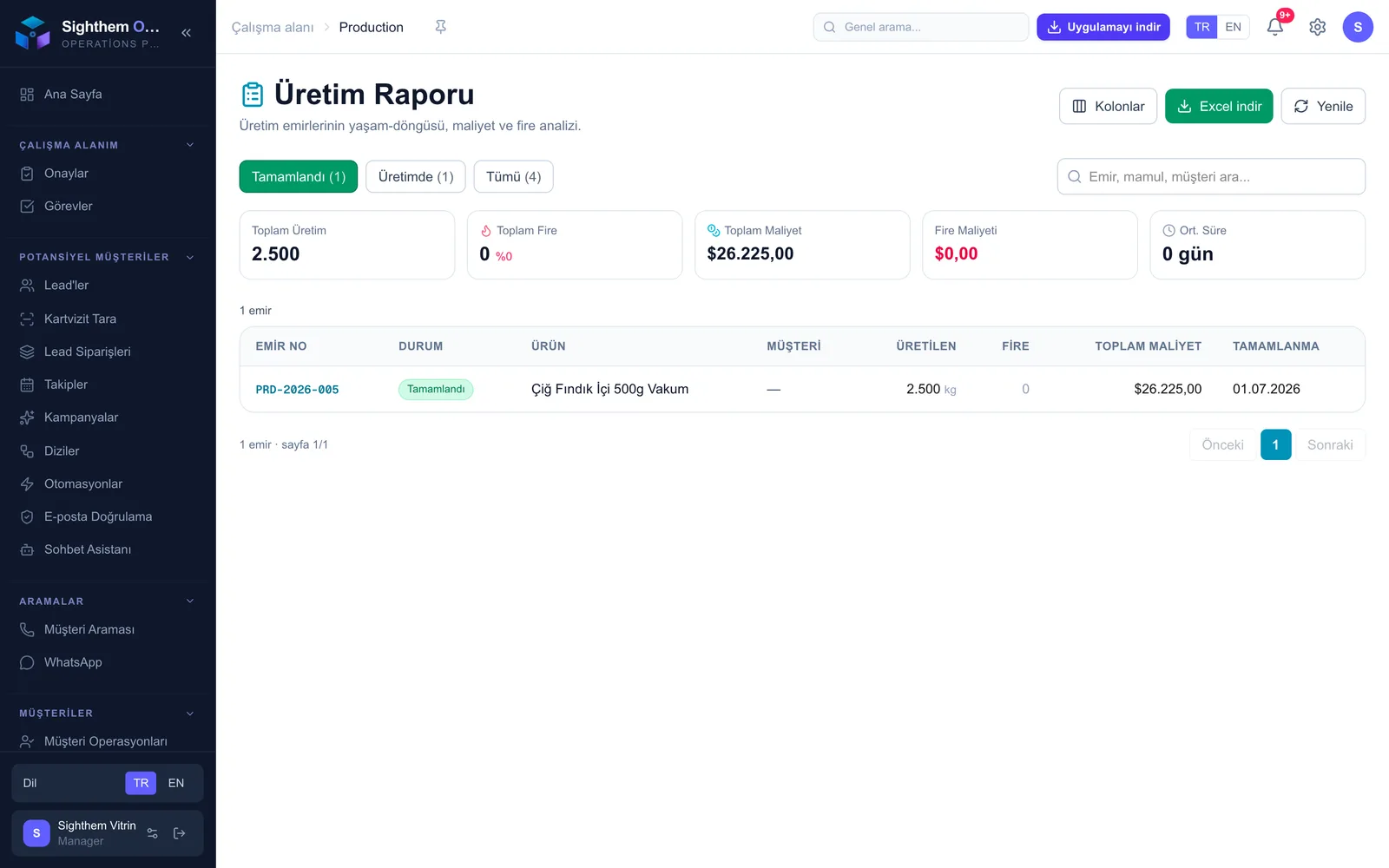
Getting paid depends on the document set being complete and ready on time. Sighthem gathers the documents, the invoice and the reporting in one place.
- On L/C sales, get alerts for the latest shipment and presentation dates; extract the document requirements from the credit text quickly with AI-assisted reading
- Collect the document set in one list: bill of lading, COMMERCIAL INVOICE, packing list, certificate of origin, insurance and certificates; add the aflatoxin analysis report to the set as a document and spot anything missing before shipment
- Issue the COMMERCIAL INVOICE for exports and a GIB-compliant UBL-TR e-invoice for domestic sales; Sighthem works with your e-invoice integrator
- Shape order, shipment, DIIB, incoming goods QC and lead reports with the column picker and download to Excel; tie critical steps to the approval center and scope access with role-based permissions
Decide on your lot numbering scheme before the season starts and open every incoming batch as its own lot at goods receipt. Attach the analysis report the day it arrives; in shipment week you work from a ready document set instead of hunting through folders.
When the lot, its analysis certificate and the shipment sit on one record chain, you answer a buyer's or auditor's traceability question without digging through files. And with proforma revision history, mid-season price discussions come down to a clear record of which price was quoted when.
If an aflatoxin certificate is matched to the wrong batch, the shipment can be held at customs or at the destination port; the problem is usually not the document but the matching discipline. Lot-level document attachment and GS1 barcode scanning close that risk systematically.
Frequently Asked Questions
What makes Sighthem different from a generic CRM as hazelnut export software?
A generic CRM stops at contacts and deals. Sighthem adds the work a nut exporter actually runs: lot-based stock with FEFO and expiry tracking, aflatoxin certificate attachment per batch, proforma revision history for seasonal pricing, multi-warehouse stock, and export documents including the COMMERCIAL INVOICE and the L/C document set. The export flow is the core of the product, not a bolted-on module.
How do I track aflatoxin analysis reports in the system?
You attach each analysis report to the lot it was issued for at goods receipt. When that lot is picked for a shipment, the report travels with it and joins the shipment's document set alongside the bill of lading and the certificate of origin. A missing report shows up before the container leaves, not at the bank or at customs.
Can I see stock across regional warehouses in one place during harvest?
Yes. Each regional warehouse is defined separately and stock is kept per warehouse, so you see the total and the per-location detail on one screen. Transfers between warehouses run through the system with a record, and you can bulk-import your season-opening stock list with Excel. GS1 barcode scanning keeps lot movements accurate at receipt and shipment.
What happens to older proformas when I revise prices mid-season?
Nothing is overwritten. Every revision creates a new version, and the revision history shows which buyer was quoted which price on which date and which version the buyer approved. That record settles price discussions and keeps shipment preparation from starting on an outdated price.
My buyer requires lot-level traceability. What can I show in a recall scenario?
Every shipment is tied to specific lots, and every lot carries its origin region, harvest year, QC records and analysis certificates. In a recall scenario you report which lot went to which buyer on which shipment, and pull the quality documents for those lots in minutes. The same chain answers routine buyer and auditor questions too.
I export processed nuts. Can I track DIIB and the VAT refund?
Yes. Under the inward processing permit (DIIB) you track inputs, offsets and the commitment closure process, and each export keeps its VAT refund file attached to the transaction. Declarations are linked to shipments so the paperwork chain stays intact, and DIIB reports can be shaped with the column picker and downloaded to Excel.
Run your nut and hazelnut exports from harvest to collection on one platform. Try Sighthem free for 14 days on the PRO plan, no card required.
Start a 14-day PRO trial · Lot & shelf-life traceability · Warehouse management · L/C tracking · All industries · See pricing